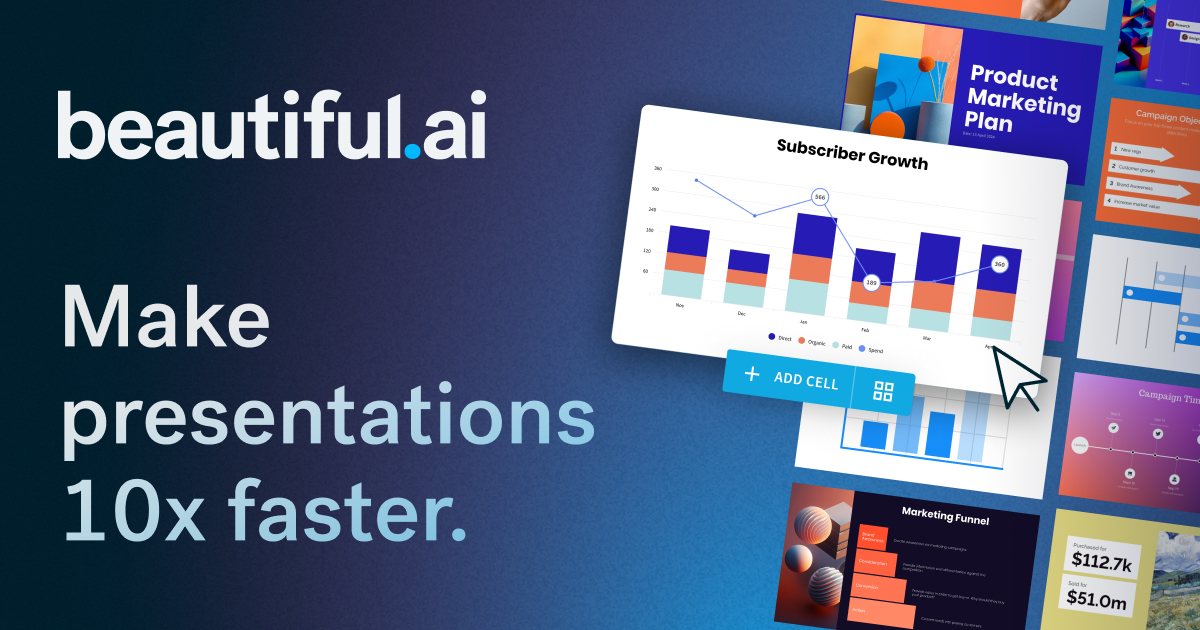
Beautiful.ai
AI presentation maker that creates professional decks in minutes, not hours
AI-Powered Summary
Beautiful.ai is a presentation platform that uses AI to generate slide decks from text prompts and automatically handles design, layout, and formatting through its Smart Slides system. It targets business professionals, sales teams, and marketers who need polished presentations without dedicating time to manual design. The platform includes collaboration features, brand controls, viewer analytics, and integrations with tools like PowerPoint, Salesforce, and Slack.
Key Features
What makes Beautiful.ai stand out
AI Slide Generation
Enter a text prompt and the AI generates a complete presentation draft with content and design.
Smart Slides
Slides automatically adjust layout, spacing, and formatting as you add or remove content.
Brand Theming
Set your brand colors, fonts, logos, and icons once and apply them consistently across all decks.
Real-time Collaboration
Multiple team members can edit presentations simultaneously with comments and version control.
Viewer Analytics
Track who viewed your deck, which slides they spent time on, and when to follow up.
AI Image Generation
Generate custom images directly within your slides using AI.
Locked Slides
Protect key slides so only approved librarians can edit them, keeping messaging consistent.
Data Visualization
Connect spreadsheets and transform data into animated charts, graphs, and visual elements.
What's Great
- Smart Slides auto-format layout, spacing, and design as you edit, eliminating manual formatting
- Generates full presentation drafts from a text prompt in seconds
- Strong team collaboration features including locked slides, shared libraries, and viewer analytics
- Integrates with PowerPoint, allowing use within existing workflows
- 300+ curated slide layouts covering common business use cases like pitch decks, QBRs, and campaigns
Things to Know
- No free tier—requires paid subscription after 14-day trial
- Teams plan minimum is 2 seats at $40-50/user/month, which can be costly for small teams
- Smart Slides auto-design approach may limit fine-grained layout control compared to traditional tools
- Enterprise features like SSO and SCIM require custom pricing with no published rates
Pricing Plans
All Beautiful.ai pricing tiers and features
Pro plan starts at $12/mo billed annually, $45/mo billed monthly
Pro
+9 more features
Teams
+4 more features
Enterprise
+1 more features
Real Cost Breakdown
Hidden Costs
- Pro monthly billing is $45/mo vs $12/mo annual—nearly 4x more expensive
- Teams plan requires minimum 2 seats
- Enterprise pricing for 20+ seats is not published and requires contacting sales
Cost Saving Tips
- Annual billing on Pro saves 73% ($12/mo vs $45/mo)
- Annual billing on Teams saves 20% ($40/user/mo vs $50/user/mo)
- Ask about the SMB flat-rate plan for smaller teams to potentially save on per-seat pricing
Competitive pricing for teams that create presentations regularly, but the lack of a free tier and steep monthly-to-annual price difference means you should commit to annual billing to get real value.
Price Comparison
Compare Beautiful.ai with similar tools
Beautiful.ai ranks as the 6th most affordable option out of 6 tools, priced 460% above the category average of $8/mo.









Best For
Sales and marketing teams who create frequent presentations and need consistent branding
Who Should NOT Use This
- Designers who need pixel-perfect layout control — Smart Slides automate layout decisions, which limits the granular positioning and design freedom that professional designers expect from tools like Figma or InDesign.
- Individuals who only need occasional one-off presentations — At $45/month for ad hoc use, the cost is high for infrequent users compared to free alternatives like Google Slides or Canva's free tier.
- Teams that are fully invested in Google Workspace — Beautiful.ai lacks a direct Google Slides integration, and teams deeply embedded in Google's ecosystem may find the workflow disconnect frustrating.
- Budget-conscious solopreneurs or students — There is no free plan, and even the cheapest option is $12/month (annual commitment), while competitors like Canva and Google Slides offer free presentation tools.
Competitive Position
Smart Slides automatically handle design, layout, and spacing as content changes, so users never need to manually format or align elements.
When to Choose Beautiful.ai
- Your team creates many presentations and needs consistent, on-brand results without a designer
- You want AI to generate a full presentation draft from a prompt and auto-format slides as you edit
- You need collaboration features like locked slides, shared libraries, and viewer analytics
- You want a tool that integrates with Salesforce for sales deck tracking and engagement insights
When to Look Elsewhere
- You need a free presentation tool—Google Slides or Canva Free would be better
- You require complete design freedom and pixel-level control over every element
- You're a solo user who creates presentations rarely and can't justify a subscription
- Your entire workflow is in Google Workspace and you need tight native integration
Strongest alternative: Canva
Learning Curve
Prerequisites
Common Challenges
- Adjusting to Smart Slides' automated layout approach if accustomed to manual control in PowerPoint
- Understanding theme and branding setup for consistent team-wide use
- Learning to write effective AI prompts for good initial presentation drafts
Frequently Asked Questions
Common questions about Beautiful.ai
Compare Beautiful.ai
See how Beautiful.ai stacks up against alternatives




Ready to try Beautiful.ai?
Join thousands of users who are already using Beautiful.ai to supercharge their workflow.
Get Started Free