Back to Tools
AI Tool Comparison
SlidesAI vs Writesonic
A detailed side-by-side comparison to help you choose the right AI tool for your needs.
Feature Comparison
Pros & Cons
SlidesAI
Pros
- Works natively inside Google Slides and PowerPoint — no separate app to learn
- Supports 100+ languages for multilingual presentation creation
- 15M+ installs with 2000+ reviews and a 4.7-star rating indicates strong user satisfaction
- Includes AI image generation and stock photo library within the editor
- Free tier available to get started without payment
Cons
- Limited to Google Slides and PowerPoint — no standalone web editor or Keynote support
- Pricing page lacks detailed feature breakdowns per tier, making plan comparison difficult
- Design customization may be constrained compared to dedicated design tools like Canva
Writesonic
Pros
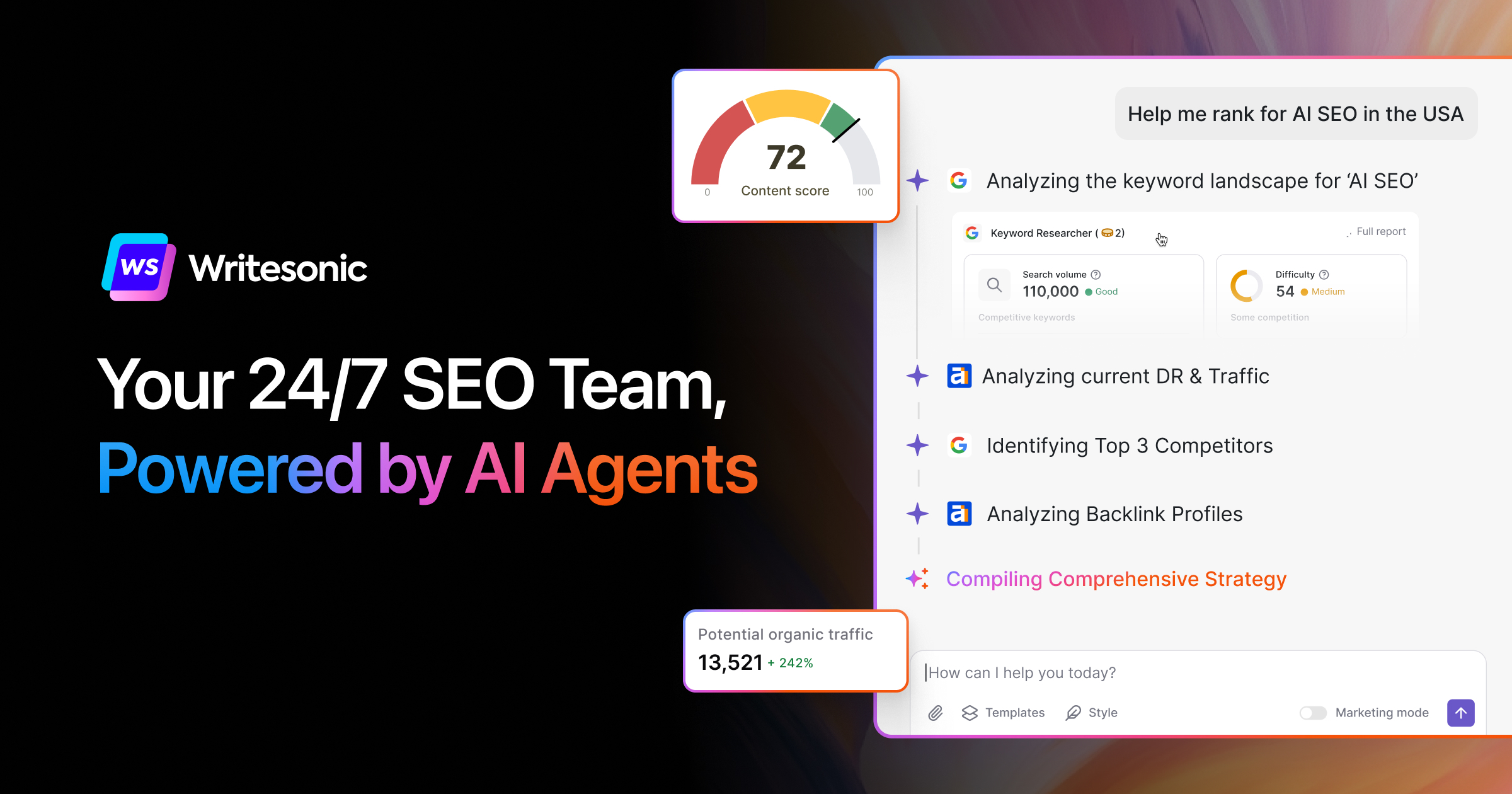
- Combines content creation with AI search visibility tracking in one platform
- 80+ specialized writing tools covering articles, ads, landing pages, and product descriptions
- Focuses on emerging GEO (Generative Engine Optimization) for AI search engines
- Includes competitor analysis and keyword data for data-driven content strategies
- Offers Surfer SEO integration for additional SEO optimization
Cons
- Pricing can escalate quickly for teams needing higher-tier features
- Platform has pivoted significantly from pure AI writing to SEO/GEO focus, which may confuse existing users
- Feature details and tier-specific limits are not clearly communicated on the pricing page
Our Verdict
Both SlidesAI and Writesonic are excellent choices with similar feature sets. Your decision should depend on your specific needs, pricing, and whether you need self-hosting capabilities.