Back to Tools
AI Tool Comparison
Writesonic vs Grammarly
A detailed side-by-side comparison to help you choose the right AI tool for your needs.
Feature Comparison
Pros & Cons
Writesonic
Pros
- Combines content creation with AI search visibility tracking in one platform
- 80+ specialized writing tools covering articles, ads, landing pages, and product descriptions
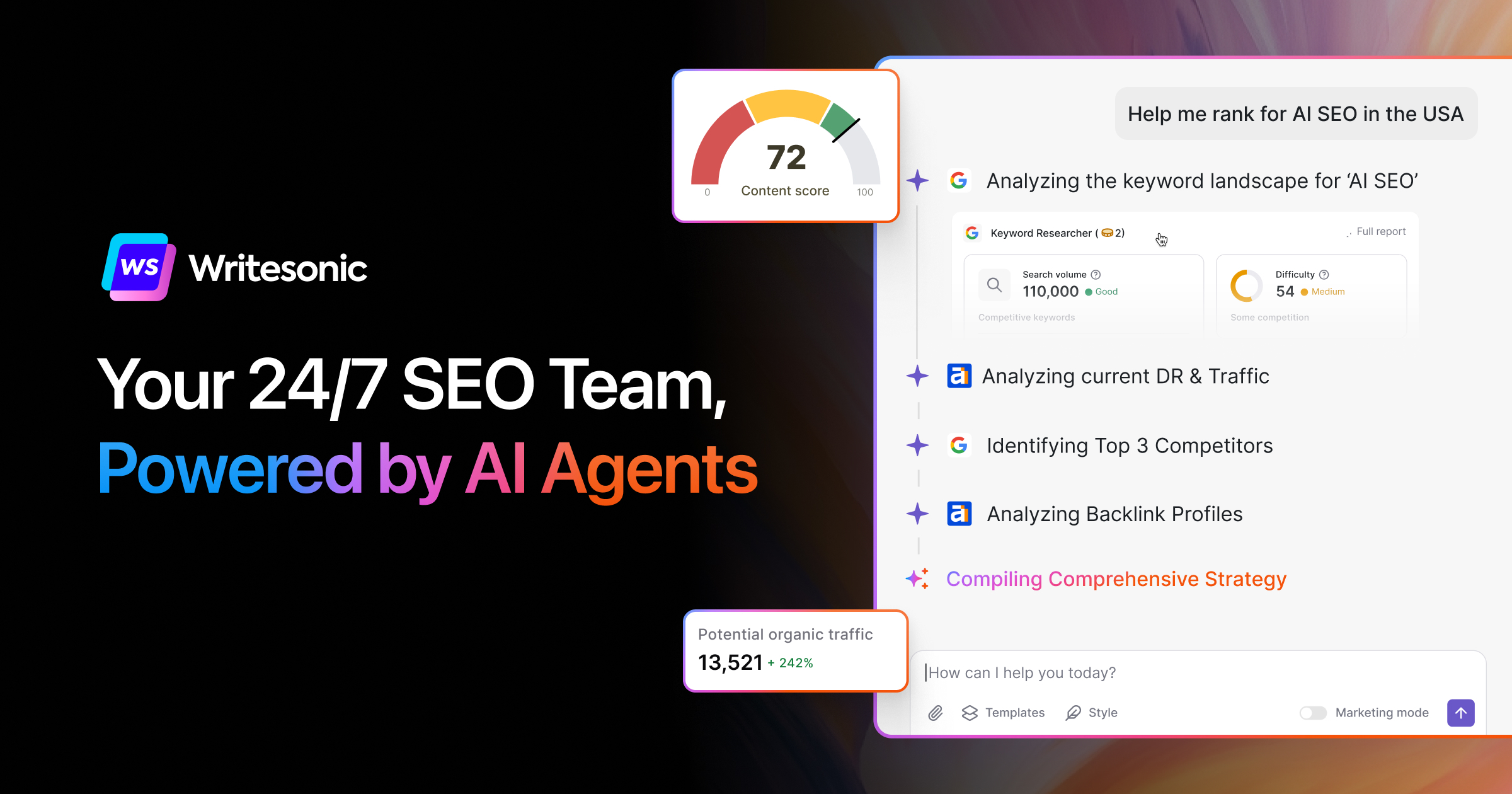
- Focuses on emerging GEO (Generative Engine Optimization) for AI search engines
- Includes competitor analysis and keyword data for data-driven content strategies
- Offers Surfer SEO integration for additional SEO optimization
Cons
- Pricing can escalate quickly for teams needing higher-tier features
- Platform has pivoted significantly from pure AI writing to SEO/GEO focus, which may confuse existing users
- Feature details and tier-specific limits are not clearly communicated on the pricing page
Grammarly
Pros
- Works across many platforms including browsers, desktop apps, Slack, Google Docs, and Zendesk
- Generous free tier that covers basic grammar, spelling, and tone detection
- Strong privacy stance: does not sell user content or use it for ad targeting or third-party model training
- Enterprise plan includes data loss prevention and granular role permissions for large organizations
Cons
- Pro plan AI prompts are capped at 2,000, which may not be enough for heavy generative AI users
- Monthly Pro pricing ($30/month) is significantly more expensive than annual billing ($12/month)
- Free tier has very limited generative AI capabilities (only 100 prompts)
- Enterprise pricing is not transparent and requires contacting sales
Our Verdict
Both Writesonic and Grammarly are excellent choices with similar feature sets. Your decision should depend on your specific needs, pricing, and whether you need self-hosting capabilities.