Back to Tools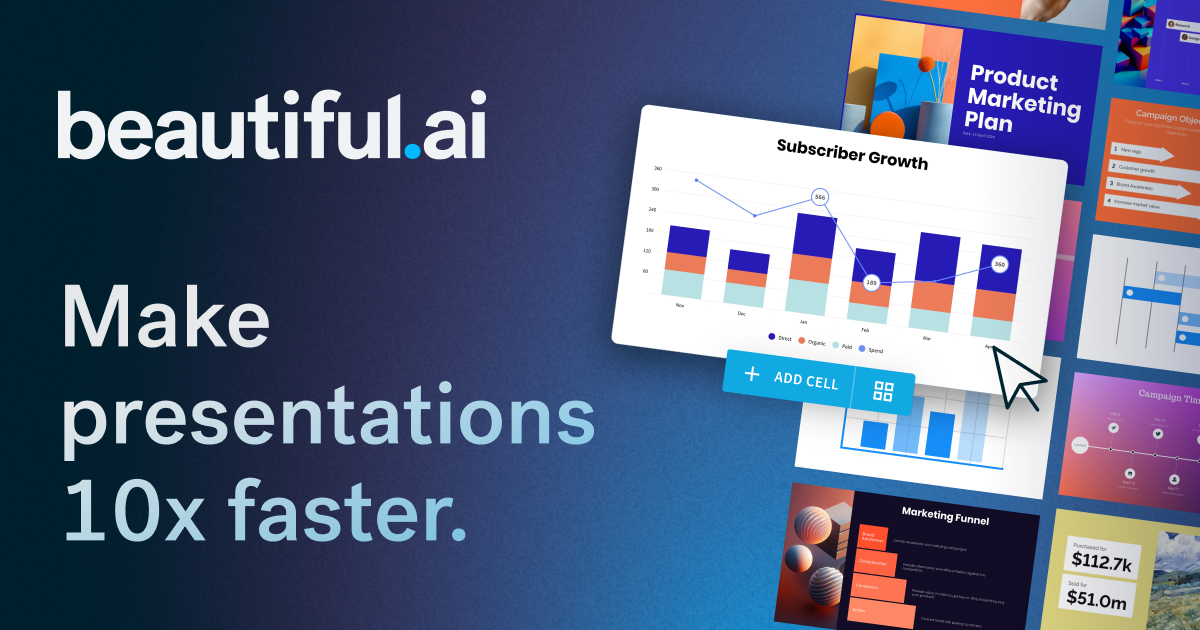 Try Beautiful.ai
AI Tool Comparison
Ideogram vs Beautiful.ai
A detailed side-by-side comparison to help you choose the right AI tool for your needs.
Beautiful.ai
AI presentation maker that creates professional decks in minutes, not hours
From $45/mo
Feature Comparison
Pros & Cons
Ideogram
Pros
- Best-in-category text rendering accuracy within AI-generated images
- Free tier allows users to test the tool without commitment
- Strong variety of style options including photorealistic, illustration, and design modes
- API available for developers to integrate image generation into workflows
- Active community gallery for discovering prompts and inspiration
Cons
- Free tier has limited daily generations and no private image option
- Generated images are public by default on lower tiers, requiring paid plans for privacy
- Less established ecosystem and fewer integrations compared to Midjourney or DALL-E
Beautiful.ai
Pros
- Smart Slides auto-format layout, spacing, and design as you edit, eliminating manual formatting
- Generates full presentation drafts from a text prompt in seconds
- Strong team collaboration features including locked slides, shared libraries, and viewer analytics
- Integrates with PowerPoint, allowing use within existing workflows
- 300+ curated slide layouts covering common business use cases like pitch decks, QBRs, and campaigns
Cons
- No free tier—requires paid subscription after 14-day trial
- Teams plan minimum is 2 seats at $40-50/user/month, which can be costly for small teams
- Smart Slides auto-design approach may limit fine-grained layout control compared to traditional tools
- Enterprise features like SSO and SCIM require custom pricing with no published rates
Our Verdict
Both Ideogram and Beautiful.ai are excellent choices with similar feature sets. Your decision should depend on your specific needs, pricing, and whether you need self-hosting capabilities.