Adobe Photoshop
Professional image editing with AI-powered generative tools for desktop, web, and mobile.
AI-Powered Summary
Adobe Photoshop is a professional-grade image editing application that combines traditional photo manipulation tools with AI-powered generative features built on Adobe Firefly. It targets photographers, graphic designers, marketing teams, and creative professionals who need precise control over image compositing, retouching, and design. Available across desktop, web, and mobile platforms with team collaboration features for business use.
Key Features
What makes Adobe Photoshop stand out
Generative Fill
Add, replace, or extend image content using text prompts powered by Adobe Firefly AI models.
Image Upscaling
Boost image resolution, clarity, and sharpness using partner AI models from Topaz Labs.
Harmonize Composites
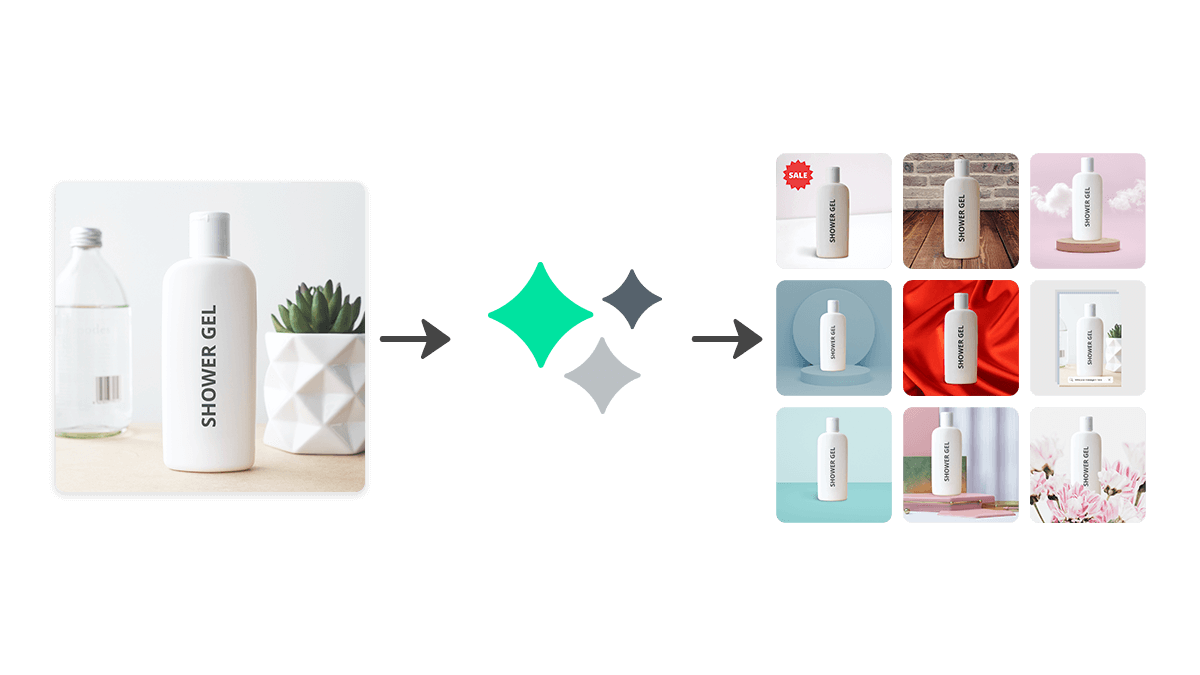
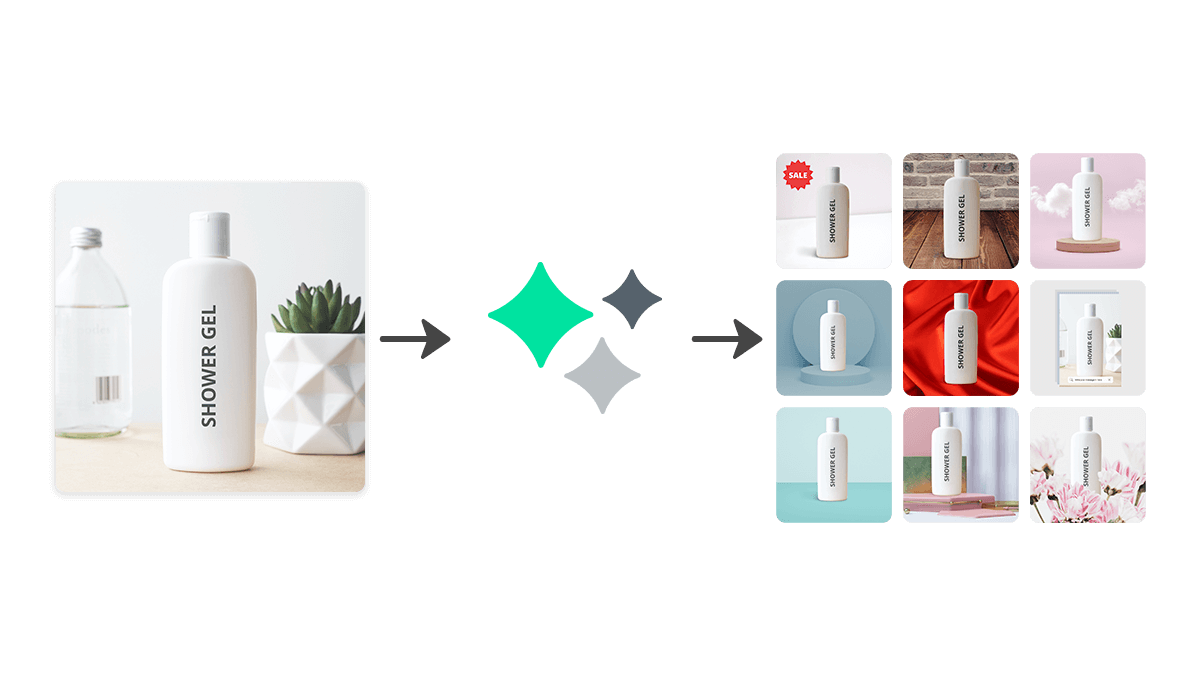
Automatically match lighting, shadows, and colors when blending people or objects into backgrounds.
Remove Tool
Remove unwanted people and objects from images with AI-powered fill that blends seamlessly.
Adjustment Layers
Apply nondestructive edits for clarity, dehaze, grain, and other adjustments with mask support.
Background Removal
Select complex subjects and remove backgrounds with high precision, both online and offline.
Cross-Platform Editing
Edit on desktop, web, and mobile with synced projects and consistent tools across all devices.
Team Libraries
Share branded assets across team members with synced Creative Cloud Libraries and admin controls.
What's Great
- Industry-standard tool with the deepest feature set for image editing and compositing
- AI generative features (Generative Fill, Expand, Harmonize) are built directly into the editing workflow
- Cross-platform availability on desktop, web, and mobile with synced Creative Cloud Libraries
- Regular updates with new AI models and partner integrations like Topaz Labs upscaling
- Extensive ecosystem integrating with other Adobe apps (Lightroom, Illustrator, Express)
Things to Know
- No free desktop or web version — requires a paid subscription after the trial period
- Subscription-only model with no perpetual license option
- Steep learning curve for users unfamiliar with professional image editing tools
- Actual pricing is not transparently displayed on the website without going through checkout flow
Pricing Plans
All Adobe Photoshop pricing tiers and features
Annual plan billed monthly is the default option
Photoshop (Individual)
+1 more features
Photoshop for Teams (Business)
Students & Teachers
Photoshop Mobile
Real Cost Breakdown
Hidden Costs
- Generative AI credits may be limited depending on plan tier
- Full Creative Cloud All Apps plan costs significantly more than Photoshop alone
- Early cancellation of annual plan incurs a fee
Cost Saving Tips
- Choose annual billing paid monthly for lower per-month costs vs. month-to-month
- Students and teachers save over 60% on Creative Cloud Pro plans
- The Photography plan (Photoshop + Lightroom) is often cheaper than standalone Photoshop
- The free mobile app covers basic editing needs without a subscription
Photoshop is a premium-priced subscription tool justified for working professionals who use it daily, but hobbyists should consider cheaper alternatives or the Photography bundle.
Price Comparison
Compare Adobe Photoshop with similar tools
Adobe Photoshop ranks as the 1st most affordable option out of 1 tools, priced 100% below the category average of $2/mo.




Best For
Professional photographers and designers needing advanced image editing and AI compositing.
Who Should NOT Use This
- Casual users who only need basic photo adjustments — Photoshop's extensive feature set is overkill for simple crops, filters, and brightness adjustments — free tools like Google Photos or Apple Photos handle those tasks adequately.
- Budget-conscious hobbyists who want a one-time purchase — Photoshop is subscription-only with no perpetual license. Open-source alternatives like GIMP or Photopea offer free image editing without recurring costs.
- Users focused exclusively on vector illustration or page layout — Photoshop is a raster image editor. For vector work, Adobe Illustrator or Affinity Designer are better suited. For layout, InDesign or Canva would be more appropriate.
- Teams needing on-premise or fully offline AI features — Photoshop's generative AI features rely on Adobe Firefly cloud services and require internet connectivity for full functionality.
Competitive Position
Photoshop's native integration of Adobe Firefly generative AI directly into a professional editing workflow with features like Generative Fill, Harmonize, and Topaz Labs upscaling is unmatched in depth and quality.
When to Choose Adobe Photoshop
- You need the most comprehensive raster image editing toolset available
- You require AI generative features tightly integrated into a professional editing workflow
- Your team or clients already use Adobe Creative Cloud and you need ecosystem compatibility
- You need to work across desktop, web, and mobile with synced projects
When to Look Elsewhere
- You only need basic photo adjustments and don't want a subscription
- You primarily work with vector graphics or page layout
- You're on a tight budget and free alternatives like GIMP or Photopea would suffice
- You need a simpler, faster tool for social media graphics (Canva or Adobe Express would be better)
Strongest alternative: Affinity Photo
Learning Curve
Prerequisites
Common Challenges
- Understanding the layers and masks system for non-destructive editing
- Navigating the extensive toolset and knowing which tool to use when
- Learning keyboard shortcuts for efficient workflow
- Mastering selection techniques for precise compositing
Frequently Asked Questions
Common questions about Adobe Photoshop
Compare Adobe Photoshop
See how Adobe Photoshop stacks up against alternatives



Ready to try Adobe Photoshop?
Join thousands of users who are already using Adobe Photoshop to supercharge their workflow.
Get Started Free