
remove.bg
Remove image backgrounds automatically and free using AI
AI-Powered Summary
remove.bg is an AI-based tool that automatically removes backgrounds from images, producing transparent PNGs or solid-color backgrounds. It is part of Canva and serves individuals, photographers, e-commerce businesses, car dealerships, and developers through a web app, desktop app, Photoshop plugin, and REST API. The tool operates on a freemium credit-based model with free low-resolution previews and paid full-resolution downloads.
Key Features
What makes remove.bg stand out
Auto Background Removal
AI automatically detects and removes the background from any uploaded image.
Transparent PNG Export
Creates transparent background images suitable for logos, graphics, and compositing.
Magic Brush Editor
Manually refine which areas to keep or remove after automatic processing.
Batch Processing
Process multiple images at once using the desktop application for Windows, Mac, and Linux.
Photoshop Plugin
Remove backgrounds directly within Adobe Photoshop without leaving the editing workflow.
Developer API
Integrate background removal into your own apps and workflows via a cloud-hosted REST API.
Design Templates
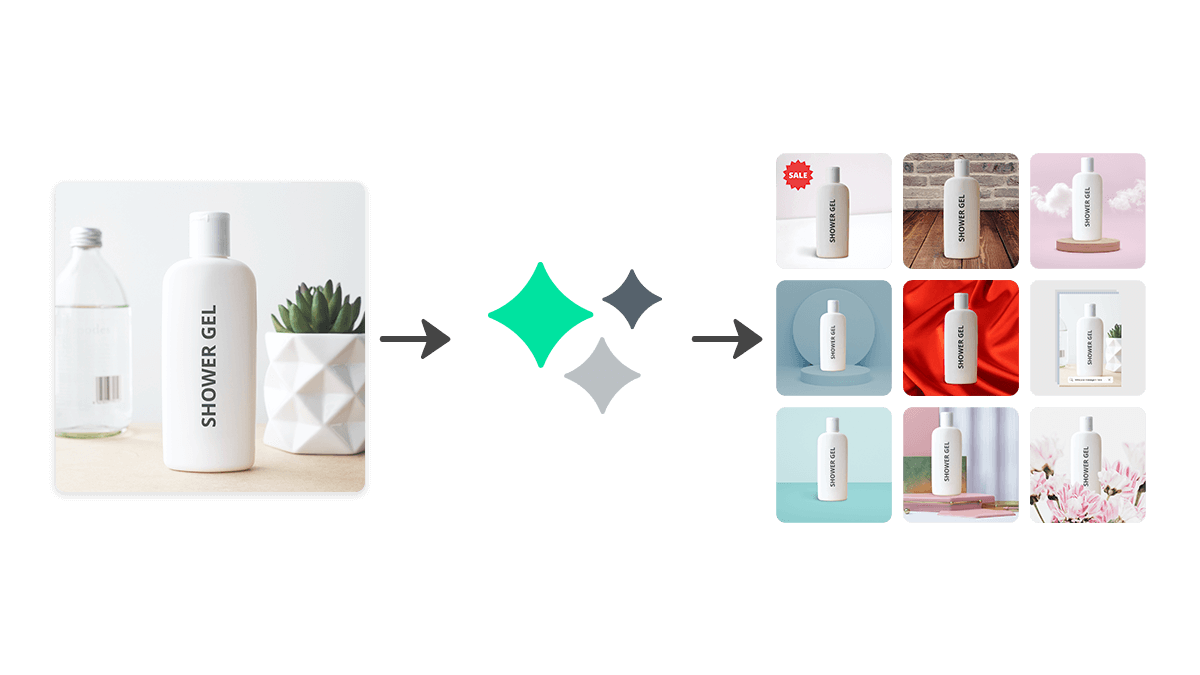
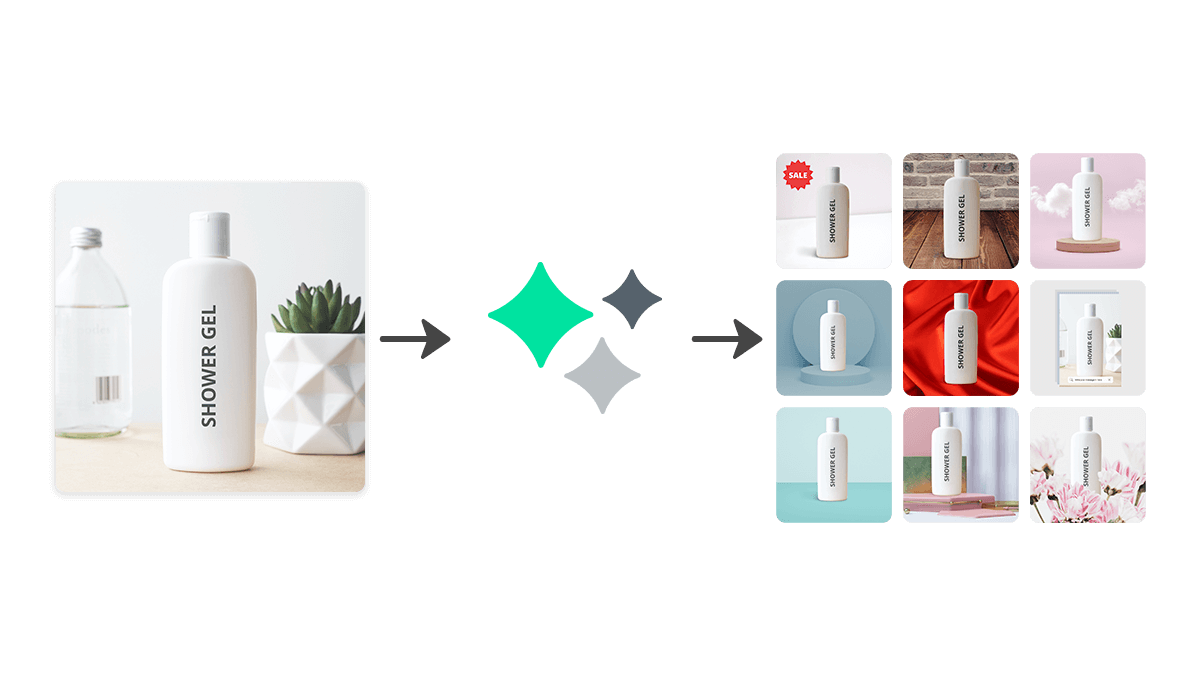
Use pre-built templates to quickly add new backgrounds or create marketing materials.
Multi-Language Support
Available in over 30 languages for users worldwide.
What's Great
- Fully automatic background removal with no manual selection needed
- Multiple access points: web, desktop app, Photoshop plugin, and API
- Free tier available for quick previews without signing up
- Supports 30+ languages for global accessibility
- Batch processing via desktop app for high-volume workflows
Things to Know
- Free tier only provides low-resolution preview images, not full-resolution
- Credit-based pricing can become expensive for high-volume users
- Limited to background removal — no broader photo editing capabilities
- Full pricing details are not transparently listed on the website
Pricing Plans
All remove.bg pricing tiers and features
Credit-based system for full-resolution images; free previews available
Free
Credits & Plans
Enterprise
Real Cost Breakdown
Hidden Costs
- Free tier only provides low-resolution previews, not usable for production
- Credits are consumed per image, so costs scale linearly with volume
- Full-resolution processing requires a paid plan or credit purchase
Cost Saving Tips
- Use yearly plans for potential savings (up to 50% off during promotions)
- Use the API for automated workflows to avoid manual processing time
- Take advantage of free previews to verify results before using credits
Free for testing and previews, but professional use requires purchasing credits — pricing details are not fully transparent on the website.
Price Comparison
Compare remove.bg with similar tools
remove.bg ranks as the 2nd most affordable option out of 2 tools, priced 100% below the category average of $7/mo.


Best For
E-commerce sellers and designers needing fast, automated background removal
Who Should NOT Use This
- Photographers needing comprehensive photo editing — remove.bg only handles background removal — it cannot adjust lighting, color grading, retouching, or other editing tasks
- Users who need to process thousands of images daily on a tight budget — The credit-based pricing model can become costly at very high volumes compared to self-hosted open-source solutions
- Organizations requiring on-premise/offline processing for data privacy — remove.bg is a cloud-based service and images must be uploaded to their servers for processing
- Video editors needing background removal from video footage — remove.bg handles still images only — for video background removal, their sister product Unscreen or other tools are needed
Competitive Position
One of the earliest and most recognized AI background removal tools, now backed by Canva's ecosystem with a proven API used by 240+ enterprise clients.
When to Choose remove.bg
- When you need instant, fully automatic background removal with minimal effort
- When you need a Photoshop plugin for background removal within existing workflows
- When you need a reliable API for integrating background removal into your product
- When processing e-commerce product photos or professional headshots at moderate volume
When to Look Elsewhere
- When you need comprehensive photo editing beyond background removal
- When you have very high volume needs and need the lowest per-image cost
- When data privacy requires all processing to happen on-premise
- When you need video background removal rather than still images
Strongest alternative: PhotoRoom
Learning Curve
Common Challenges
- Understanding the credit system and which plan offers best value
- Learning the Magic Brush tool for manual refinements on complex images
- Setting up the API integration for developers unfamiliar with REST APIs
Frequently Asked Questions
Common questions about remove.bg
Compare remove.bg
See how remove.bg stacks up against alternatives




Ready to try remove.bg?
Join thousands of users who are already using remove.bg to supercharge their workflow.
Get Started Free